✍️
Rich code editor
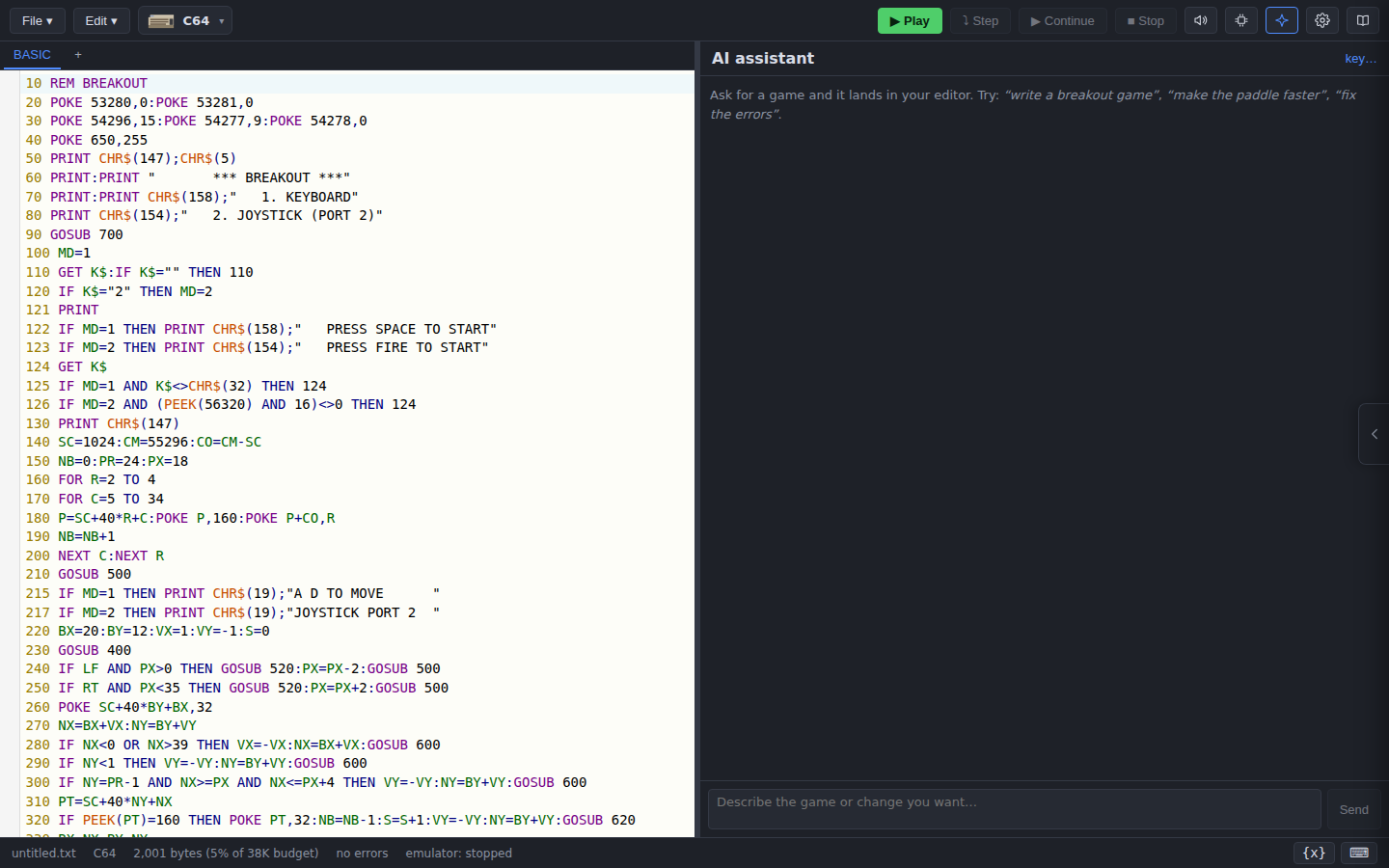
Live BASIC syntax highlighting, keyword autocomplete and documentation, flags errors as you type, and tracks the machine's RAM budget.
Write, run and ship games and programs for real retro hardware, straight from your browser.
Basically is a browser-based IDE for writing BASIC for classic microcomputers. You write in a modern editor with highlighting, code completion and inline error checking, and test your program in an emulator. When it works, you can ship it to real hardware using various methods.
It ships support for many microcomputers already including: Sinclair ZX80, ZX81 and Spectrum, the BBC Micro and Master, the Commodore 64, VIC-20 and PET, the Acorn Atom and TRS-80, with more being added all the time.
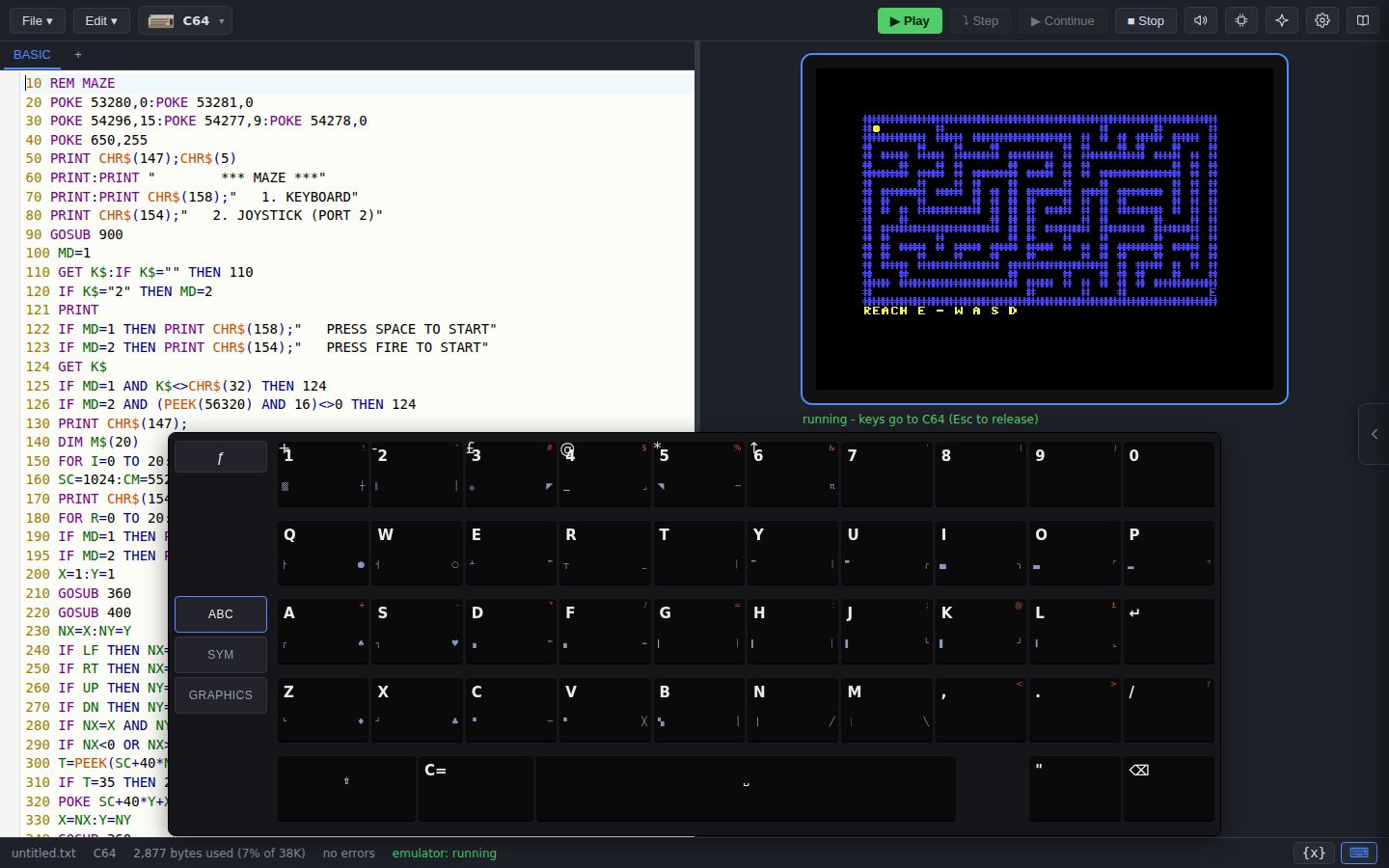
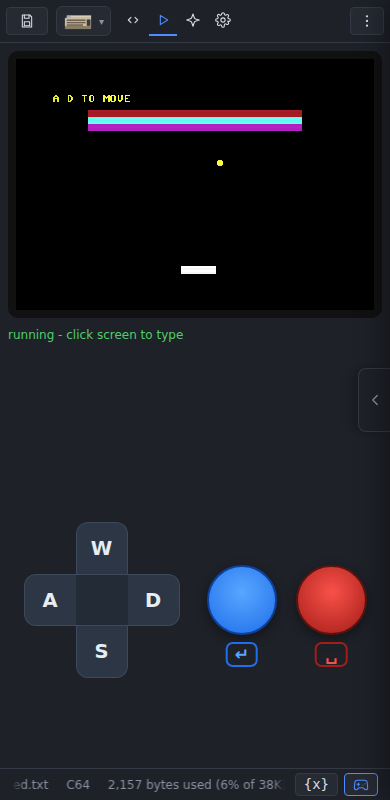
On the desktop it's a multi-column workspace with the on-screen keyboard. On a phone it switches to a tabbed layout with a virtual gamepad.
The editor highlights your chosen dialect, autocompletes keywords (with per-keyword documentation), syntax errors are underlined as you type. A byte counter estimates how much of the machine's RAM your program might use.
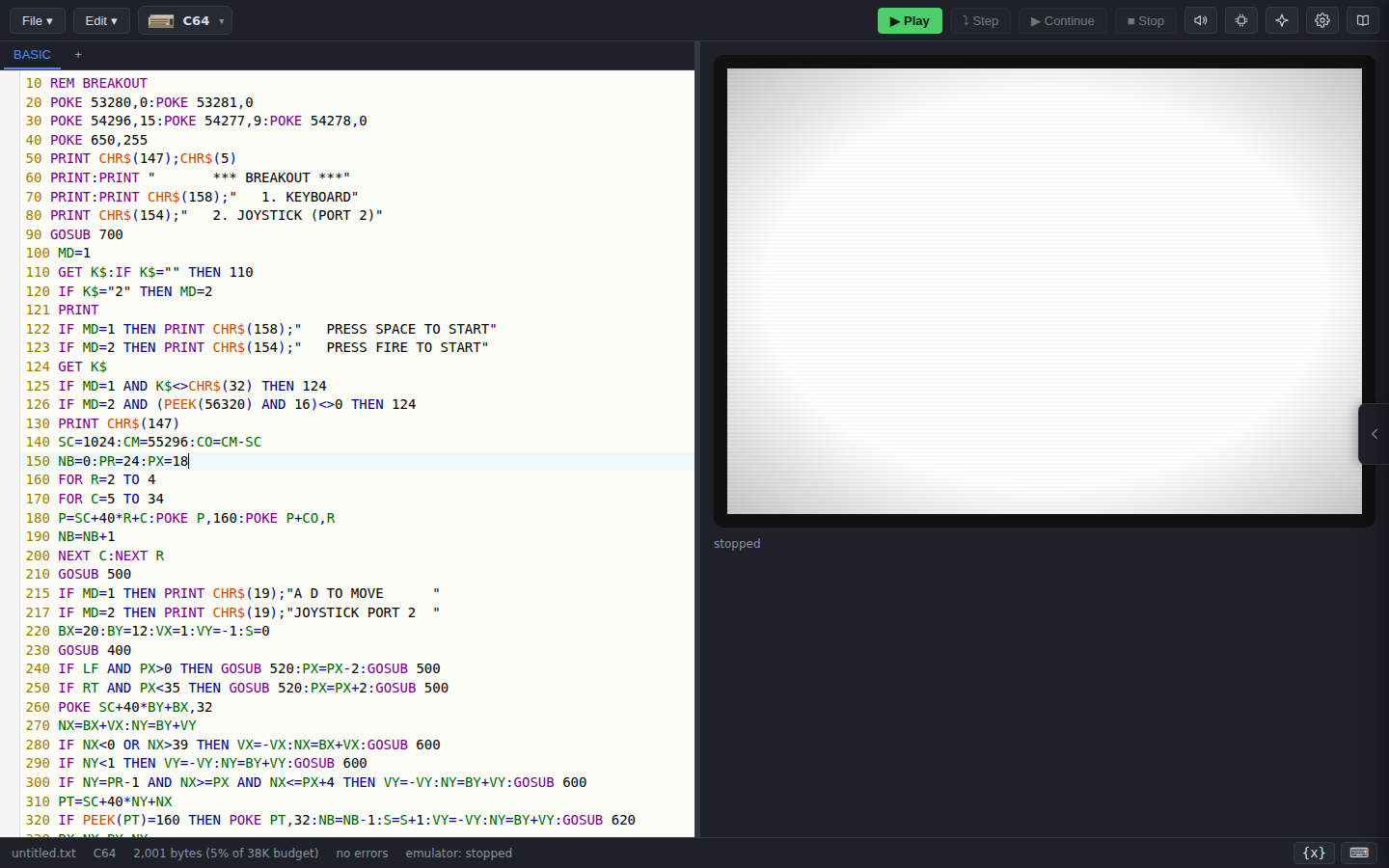
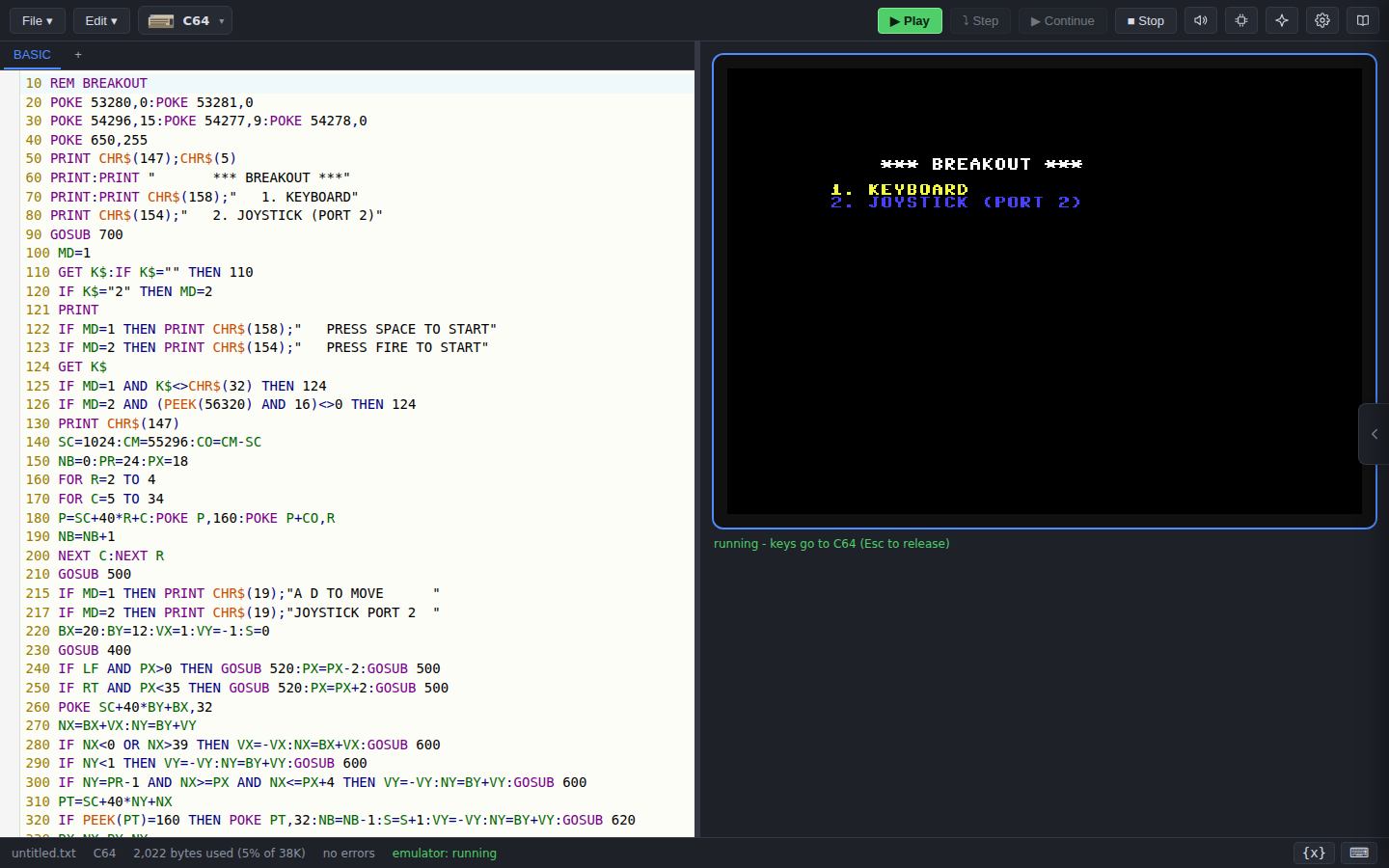
Press ▶ Run (or Ctrl+Enter) to run your program directly in the emulator the same way the real ROM would load from tape. The display and keyboard attempt to be hardware-accurate - just click the screen and play.
Open the ✦ AI panel, pick your provider, and ask for a game, a new feature, or a fix. The agent is given a role and the active machine's dialect rules, so the BASIC it writes actually runs (usually!). The agent will also watch the editor linting and emulator start state to check its mistakes.
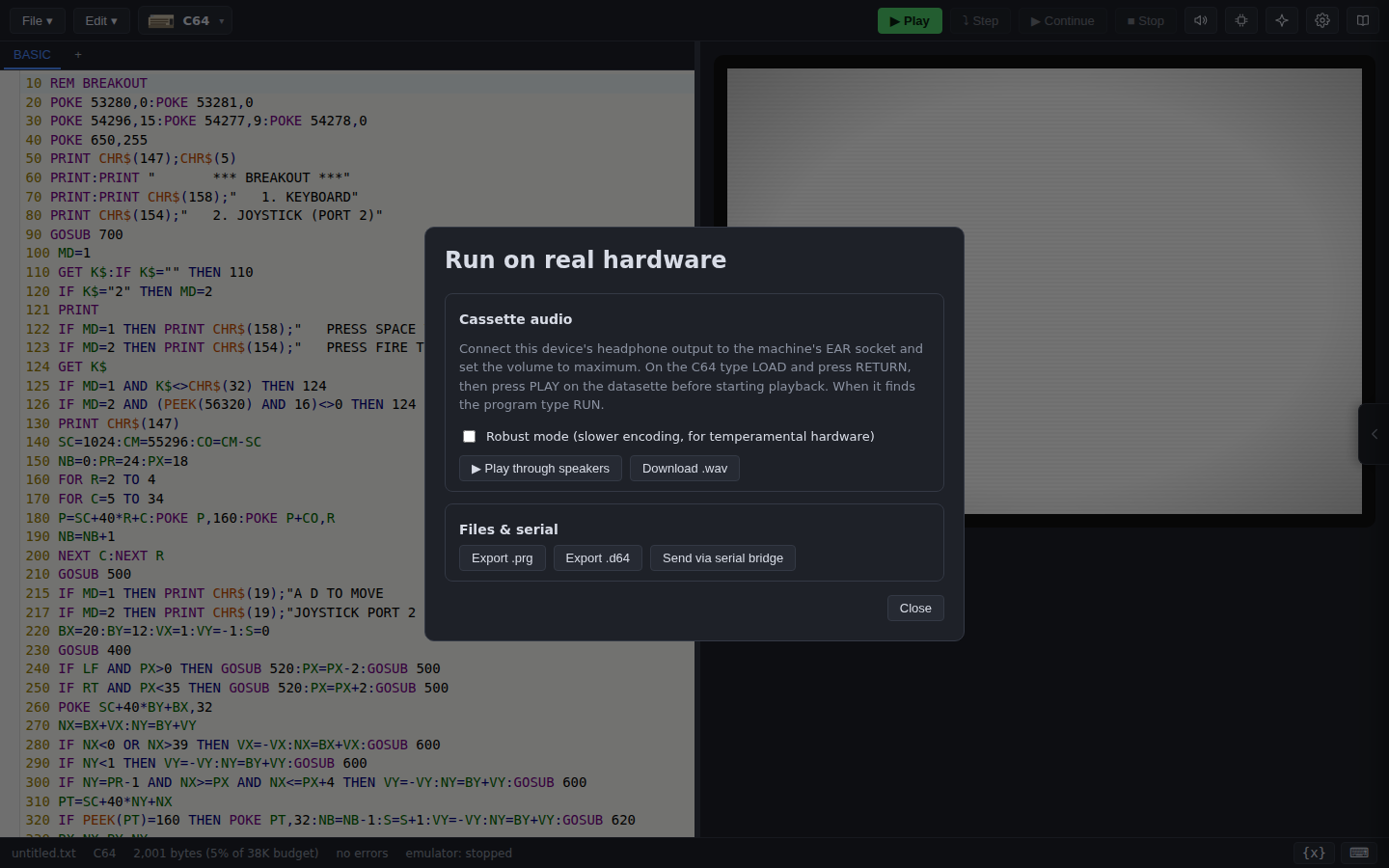
Basically is a two-way bridge to the real machine, not just a one-way exporter. When you're ready to leave the emulator behind, the Export tools can play the program out as cassette audio, save it to a native image file for an SD interface, or push it over WebSerial to a microcontroller bridge.
The Import tools are the mirror image: pull a BASIC program off the real machine - record its cassette output (or drop in a .wav) and let Basically decode it, or load a native image file (.P / .TAP / .prg …) - straight back into the editor. So you can grab an old program from real hardware, edit and test it in the IDE, and export the updated version back to the machine - and if you'd rather make your changes on the physical hardware, you can pull those back in too.
Note: WebSerial support is experimental, please use with care, and be sure to share back how you get on!
Ctrl+Enter).New here? The Getting started guide walks through your first program step by step.